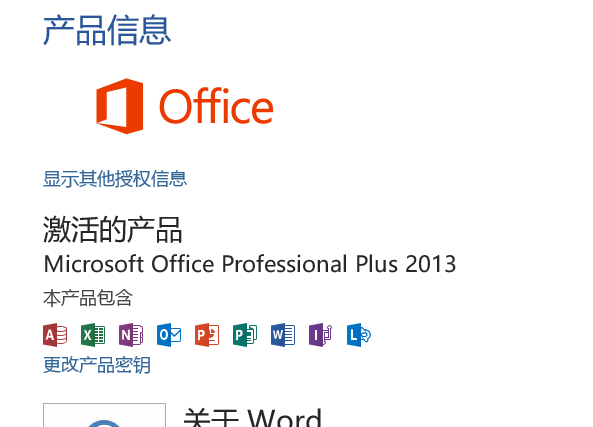
命令行激活2016教程
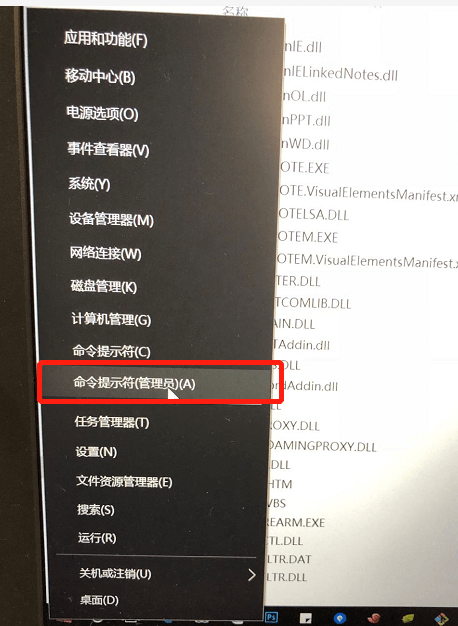
1.管理员方式打开dos窗口,如下图所示
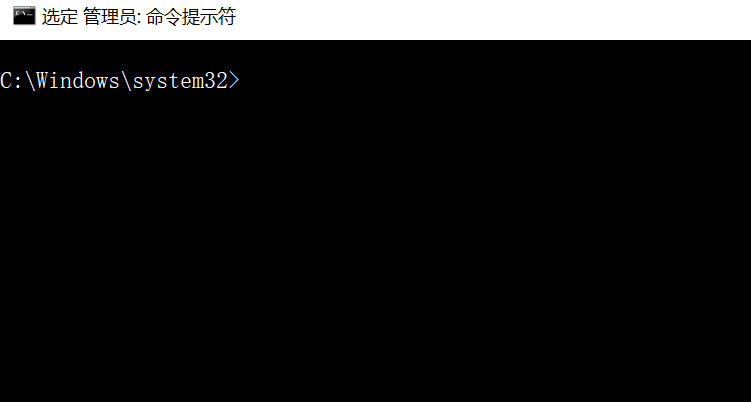
2.找到你安装office的目录,比如扎样的 C:\Program Files\Microsoft Office\Office15,然后找到ospp.vbs 执行命令
cscript "C:\Program Files\Microsoft Office\Office15\ospp.vbs" /dstatus
1
如图

3.输入上述的命令之后出现,如下图所示
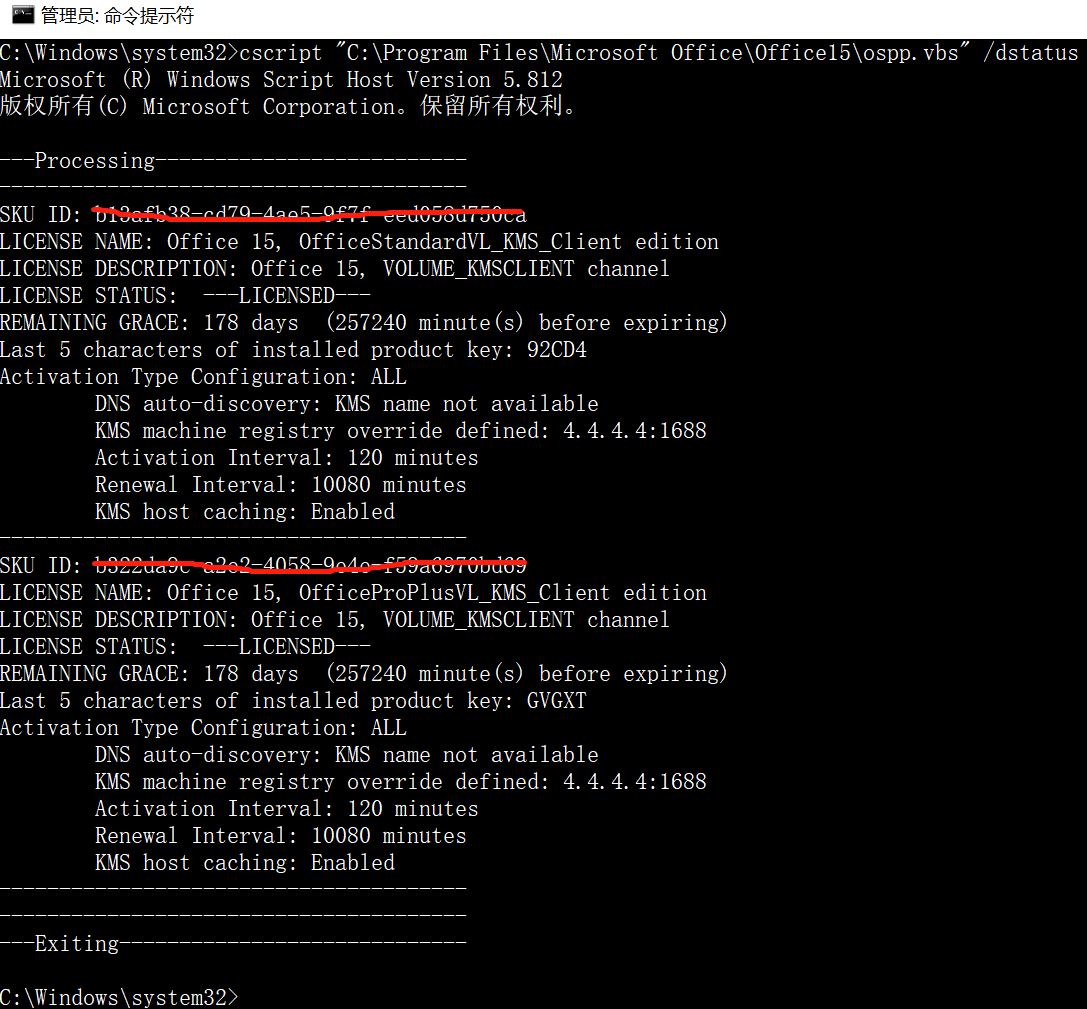
复制 SKU ID的值,画横线的地方
4.然后输入slmgr /xpr xxxxxxxxxxxxxxxxxxxxx(sku id),注意空格
// 比如
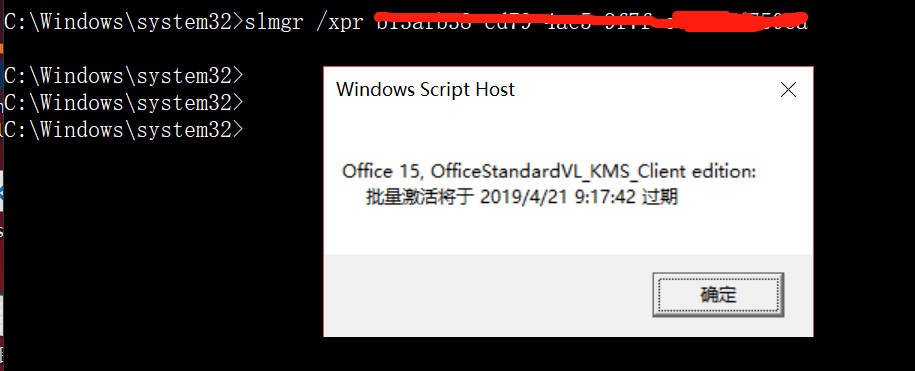
slmgr /xpr b13afb38-cd79-4ae5-9f7f-eed058d750ca
1
2
2
回车 如图

5.接下来提示激活到什么时间,如图
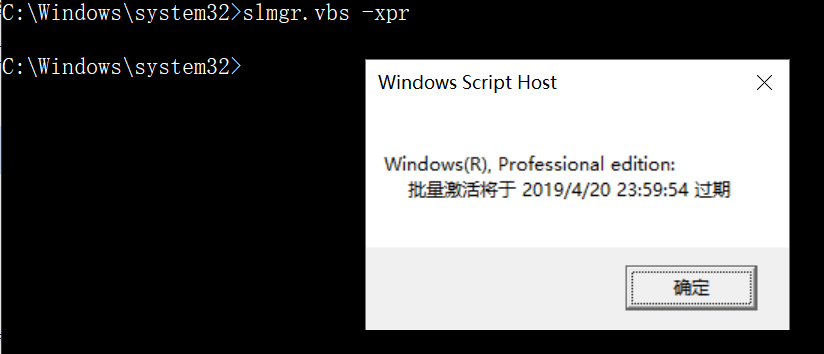
6.输入slmgr.vbs -xpr查看windows激活的情况
slmgr.vbs -xpr
1
7.打开word文档查看是否已经激活